

Skip to content
View in the app

A better way to browse. Learn more.

Jester Solutions

A full-screen app on your home screen with push notifications, badges and more.

To install this app on iOS and iPadOS
  1. Tap the Share icon in Safari
  2. Scroll the menu and tap Add to Home Screen.
  3. Tap Add in the top-right corner.
To install this app on Android
  1. Tap the 3-dot menu (⋮) in the top-right corner of the browser.
  2. Tap Add to Home screen or Install app.
  3. Confirm by tapping Install.

Rust External - 1 Week

17.99 USD

Undetected

Fully External

AMD & Intel Support

Frequent Updates

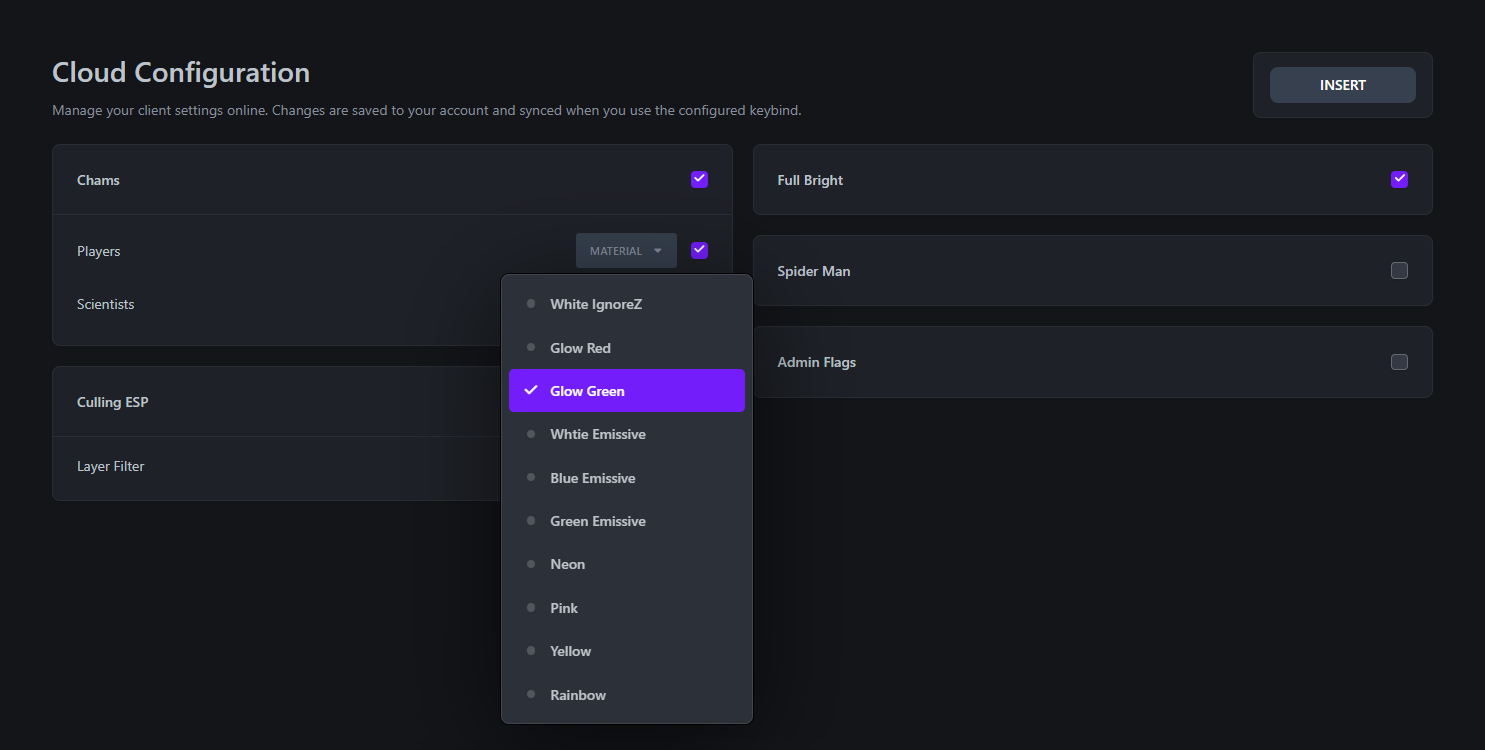
Cloud Configuration

Features:

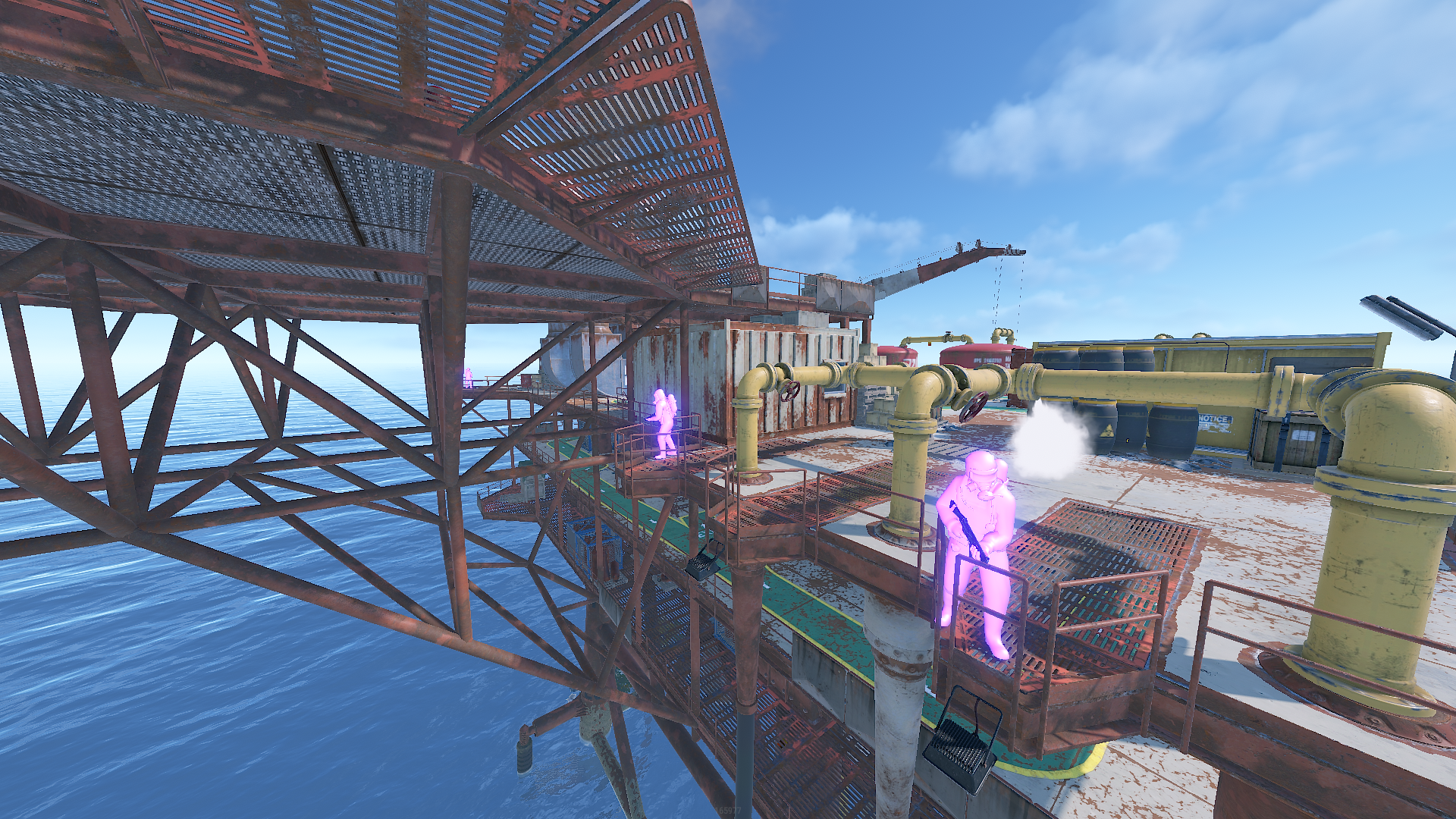
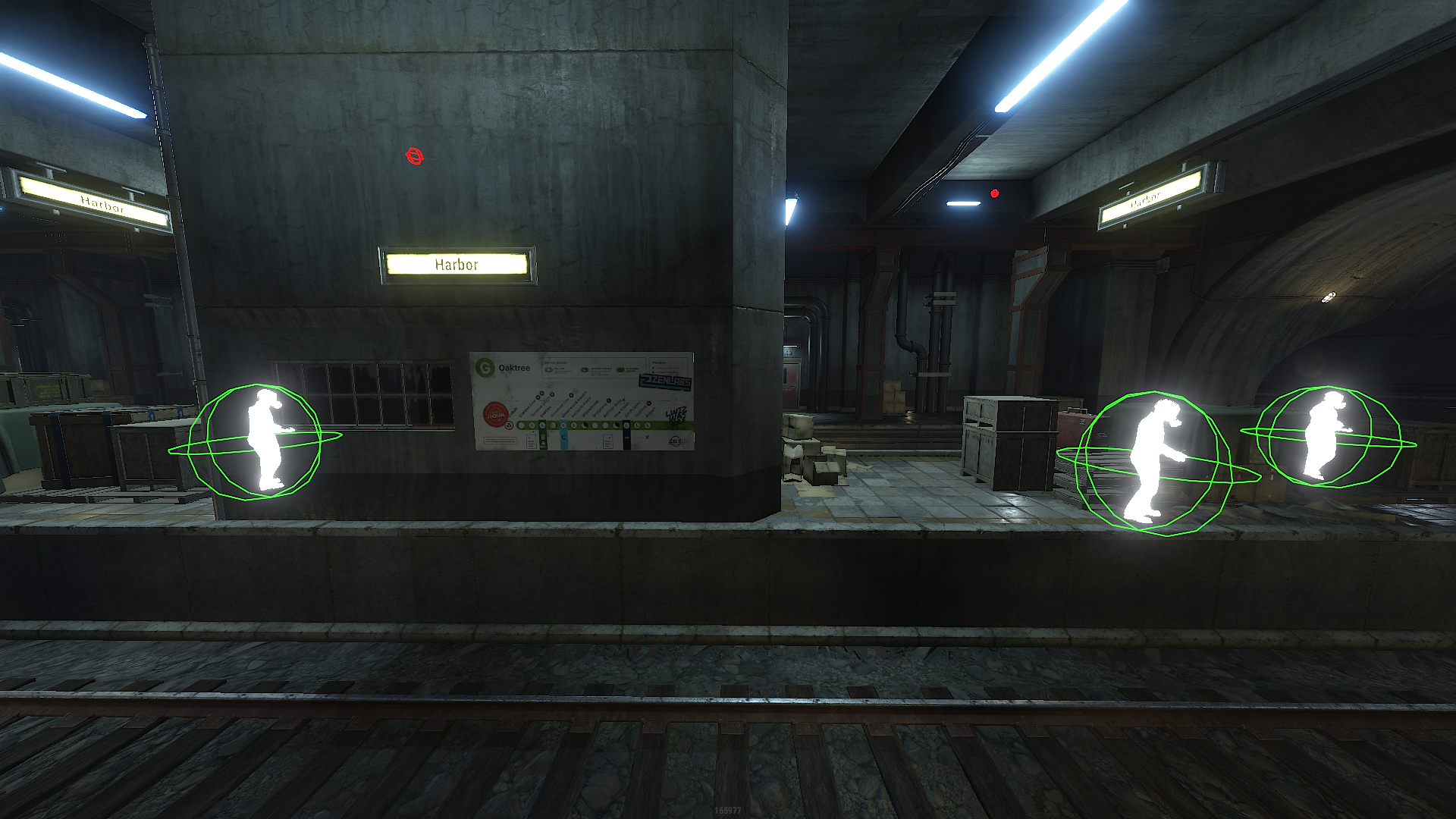
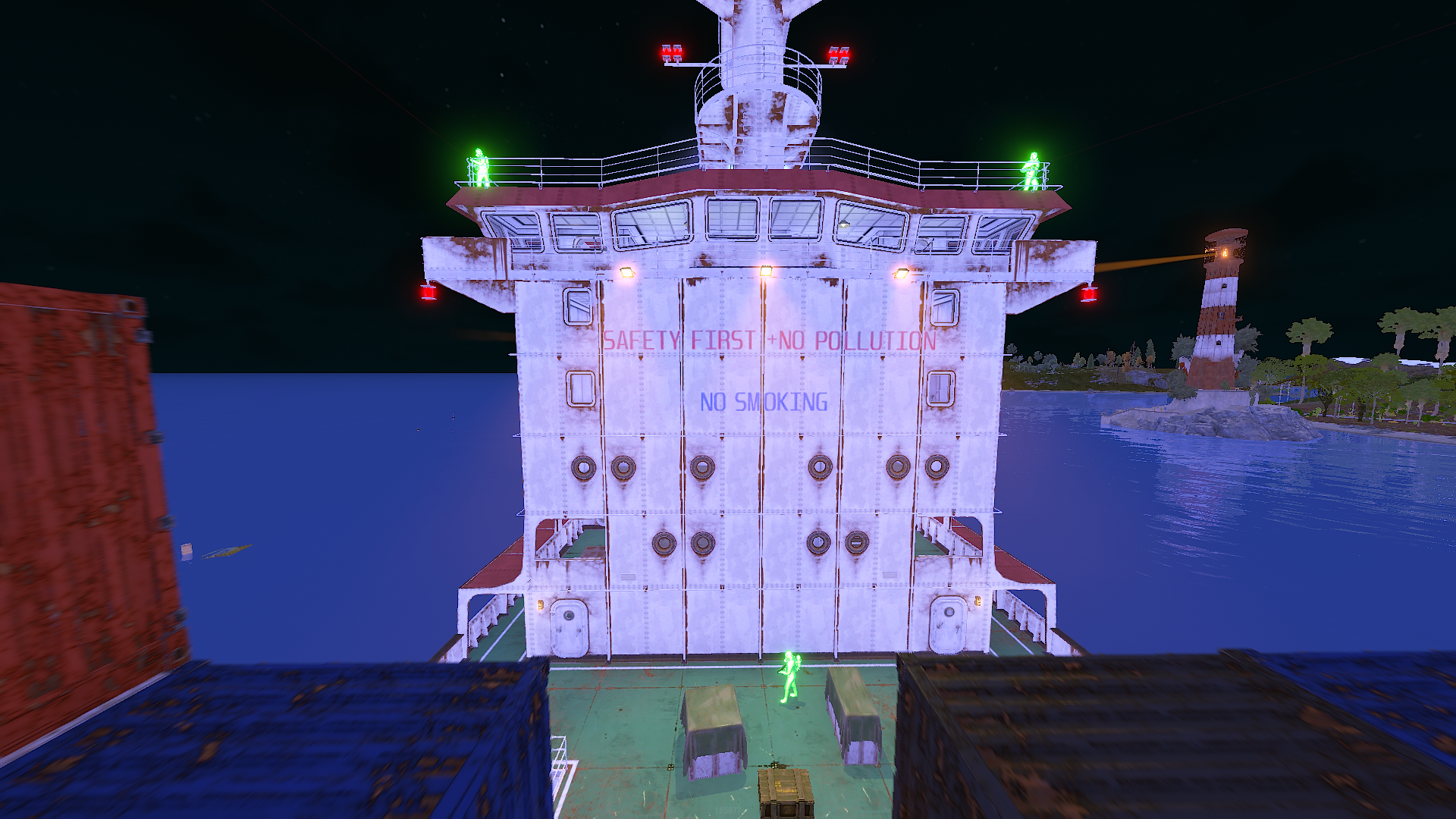
  • Chams Players (10 Materials)

  • Chams Scientists (10 Materials)

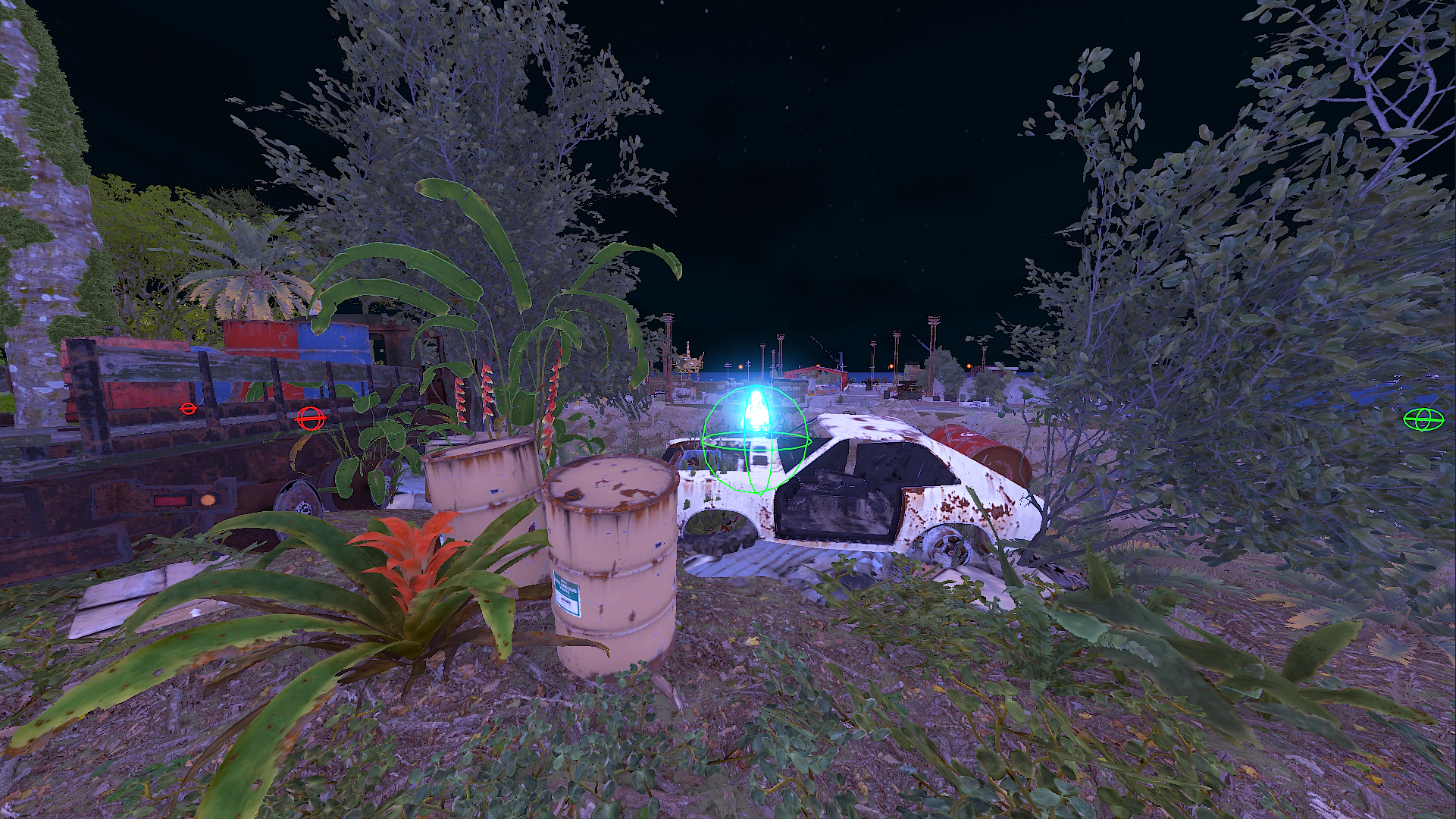
  • Culling ESP

  • Full Bright

  • Spider Man

  • Fov Changer

  • Admin Flags

Requirements:

  • Windows 10/11

Account

Navigation

Search

Search

Configure browser push notifications

Chrome (Android)
  1. Tap the lock icon next to the address bar.
  2. Tap Permissions → Notifications.
  3. Adjust your preference.
Chrome (Desktop)
  1. Click the padlock icon in the address bar.
  2. Select Site settings.
  3. Find Notifications and adjust your preference.